Great poly bag artwork starts with a clean vector logo, placed inside the safe print area of your bag style, in ink colors that contrast with the film and the product inside. Customized Poly Bags turns your logo into a free mockup within 24 hours, so you can check files, placement and colors on custom poly bags before paying anything.
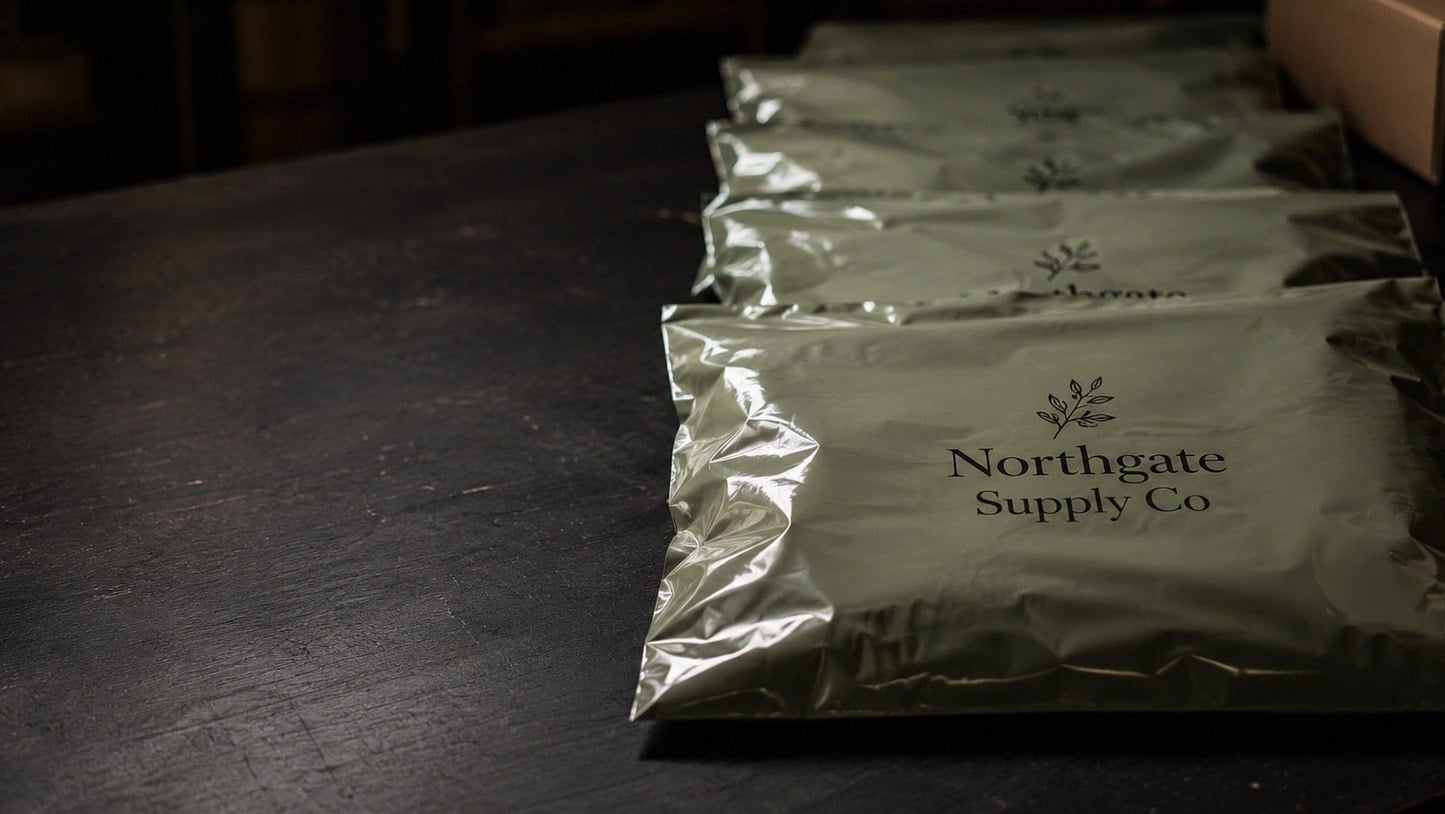
- Send a vector logo file for the sharpest print on poly bags.
- Keep logos clear of seal flaps, zipper tracks, seams and hang holes.
- Choose ink colors that contrast with the product inside clear bags.
- Free mockup within 24 hours, unlimited free revisions, minimum order 12.
- Standard production takes about 2 weeks after approval.
What artwork do you need to print a logo on custom poly bags?
To print a logo on custom poly bags, you need a clean vector file of the logo, a note of the ink colors you want, and an idea of where the mark should sit on the bag. Customized Poly Bags turns that into a free mockup within 24 hours, so you can see the design on the actual bag style before anything is produced.
Vector artwork matters more on poly bags than on paper. Film is smooth and slightly flexible, and ink sits on the surface rather than soaking in, so blurry or pixelated edges show up clearly. A vector logo keeps every curve crisp at any size, from a small corner mark on a resealable bag to a large front panel on a garment bag.
If you only have a screenshot or a low-resolution image, send it anyway. The design team can often rebuild a simple logo, and they will flag anything that needs a cleaner source before you approve.
- Best: an editable vector file from whoever designed your logo.
- Workable: a high-resolution PDF exported from design software.
- Needs attention: a small web image or a photo of printed packaging.
Where can a logo go on a poly bag without getting cut off or covered?
A logo on a poly bag should sit inside the flat, open part of the panel, away from the seal flap, side seams, zipper track and any hang hole. Those zones fold, bond or get punched during manufacturing, so artwork placed there can distort, crease or disappear. The mockup from Customized Poly Bags shows the safe print area for your chosen style.
Each style has its own no-go zones, which is why the same logo file may need a different layout per bag:
| Bag style | Areas to keep clear | Usually the best spot |
|---|---|---|
| Self-seal flat poly bag | Adhesive strip and fold-over flap | Centered on the main front panel |
| Resealable poly bag | Zipper track along the top | Lower half or center of the front |
| Garment poly bag with hang hole | Hang hole and the area around it | Upper chest area below the hole |
| Header card poly bag | Staple or seal line under the header | The header card, with a smaller mark on the bag |
| Frosted boutique poly bag | Closure and side seals | Center front, sized generously |
Leave breathing room around the logo too. A mark that crowds a seam looks like a printing error even when the press did exactly what the file asked.
Which ink colors work best on clear, frosted and colored poly bags?
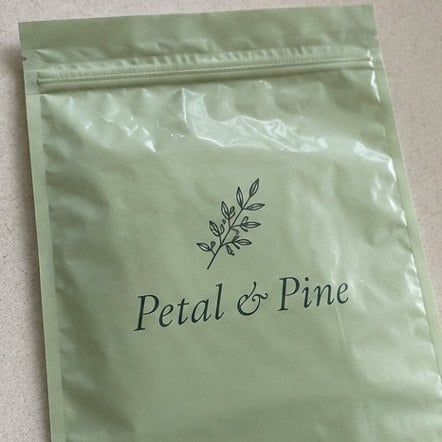
Ink colors on poly bags behave differently than on white paper, because the film itself is the background. On clear poly bags, the product inside becomes the backdrop, so dark inks or a solid backing behind light colors keep the logo readable. On frosted poly bags, colors soften slightly, and bold, saturated shades hold up best.
Think about what will be inside the bag before choosing colors. A black logo on a clear bag disappears against a navy sweatshirt, while a white logo vanishes against a cream candle box. Customized Poly Bags can show your logo on the bag in more than one color so you can compare before approving.
- Clear bags: choose contrast against the product, not against white.
- Frosted bags: favor strong colors and slightly heavier line weights.
- Colored or opaque bags: treat the bag color as your background and test light and dark inks.
- Brand colors: share your exact color references so the team can match them as closely as the film allows.
Fewer ink colors usually give a cleaner result on film. A logo that works in one or two solid colors tends to look sharper on poly bags than a design built on many blended shades.
Do small text, thin lines and gradients print well on poly bags?
Small text, hairline strokes and soft gradients are the details most likely to print poorly on poly bags. Thin film flexes, and ink on a smooth surface does not hold ultra-fine detail the way coated paper does, so tiny lettering can fill in and faint lines can break up. Bold, simple artwork reproduces most reliably.
Review your design with that in mind before you send it:
- Taglines and web addresses: set them larger than you would on a business card, or drop them to keep the logo strong.
- Outlines and strokes: thicken very thin lines so they survive printing and handling.
- Gradients and shadows: convert them to solid colors or a simple flat version of the logo.
- Photos: keep photographic artwork for printed inserts, and use a clean graphic version on the bag.
Many brands keep a simplified packaging version of their logo for exactly this reason. If you do not have one, the Customized Poly Bags design team can suggest a cleaner version and show it in your mockup, with unlimited free revisions until it looks right.
Should a poly bag print include warnings, barcodes or care text?
A poly bag print often needs more than a logo. Depending on the product, size and sales channel, you may want a suffocation warning, a barcode area, a short care line or a handle for social media. Planning those elements at the artwork stage keeps them from fighting the logo for space later.
Start by listing every element that must appear, then rank them. The logo usually leads, required text comes next, and marketing extras fit wherever space remains. If you sell through marketplaces, check their packaging rules before you finalize the layout; the site’s guide to poly bag compliance topics covers warning labels and marketplace requirements in more detail.
- Place the logo in the strongest, clearest area of the panel.
- Put any required warning text where it stays legible and is not hidden by a flap or fold.
- Leave a clear, flat zone if a barcode label will be applied after printing.
- Add optional lines, such as a website or care note, only if they stay readable at the printed size.
Customized Poly Bags shows all of these elements together in the mockup, so you can judge the full layout instead of the logo alone.
How do you approve a poly bag mockup without missing a mistake?
Approving a poly bag mockup means checking spelling, placement, colors and bag style one item at a time, then confirming quantity and timing. Customized Poly Bags sends the mockup within 24 hours, and you pay nothing until you approve the design, so take the few minutes needed to review it carefully.
A simple review routine catches most problems:
- Read every word aloud, including small print, web addresses and warning text.
- Check the bag style and closure against what you plan to pack, such as self-seal, resealable or hang hole.
- Look at placement relative to seals, flaps and holes on the mockup.
- Compare colors with your brand references, remembering that clear and frosted film change the look.
- Picture the product inside and ask whether the logo still reads against it.
- Ask a second person to review before you approve, ideally someone who did not create the design.
Request a revision for anything that feels off; revisions are unlimited and free. Once approved, standard production takes about 2 weeks, and faster turnaround is available with express shipping. To start, submit your logo through the custom quote form or read how it works first.
Frequently asked questions
Can a printed logo sit across the seal flap of a custom poly bag?
Custom poly bags should keep the logo off the seal flap whenever possible. The flap folds over and bonds with adhesive, so artwork placed there can wrinkle, split or end up hidden once the bag is closed. Placing the logo on the main front panel keeps it flat and visible. Customized Poly Bags marks the safe print area on your mockup so you can see exactly where the logo will land.
How does frosted film change the way a logo looks on poly bags?
Frosted poly bags soften printed colors slightly because the matte film diffuses light. Bold, saturated colors and slightly heavier line weights hold up best, while pale shades and very fine details can look washed out. Reviewing a mockup on the frosted style before approving helps you decide whether to adjust colors or thicken thin strokes so the logo stays crisp and readable on the finished bag.
Can white ink be used on clear poly bags?
Clear poly bags can carry light ink colors, but readability depends heavily on what goes inside the bag. A white logo looks sharp over a dark product and disappears over a light one. Ask Customized Poly Bags to show your logo in more than one color on the mockup, then pick the version that contrasts best with the product you will actually pack.
Can I print on both sides of custom poly bags?
Custom poly bags can often be printed on the front and the back, which is useful when the front carries the logo and the back carries a warning, care note or website. Mention two-sided printing when you request a quote so the mockup shows both panels. Customized Poly Bags will confirm what your chosen style allows and include both sides in the design you approve.
Should my logo size change between small and large poly bags?
Logo size on poly bags should scale with the bag rather than stay fixed. A mark that looks balanced on a large garment bag can overwhelm a small resealable bag, and a small corner logo can look lost on a wide mailer-style bag. Ask for each bag size to be shown in its own mockup so the proportions look intentional across every size you order.
Can a barcode be printed directly on poly bags?
Poly bags can carry a printed barcode, but many sellers prefer to leave a clear, flat area and apply a barcode label later, since codes often change by product or size. If you print the code, it must sit on a smooth panel away from seams and folds so scanners read it reliably. Plan the barcode zone into the artwork before you approve the mockup.
What makes small text hard to read on printed poly bags?
Printed poly bags use thin, flexible film, and ink on that smooth surface does not hold very fine detail as well as coated paper. Tiny lettering can fill in and hairline strokes can break up, especially on frosted film. Keep taglines and web addresses larger than you would on a business card, or leave them off. Customized Poly Bags will flag text that looks too small on the mockup.
Do garment poly bags with a hang hole need special artwork placement?
Garment poly bags with a hang hole need the logo positioned below the punched hole and clear of the area around it, since that zone is cut and handled on every hanger. The upper chest area just under the hole is usually the strongest spot. Customized Poly Bags shows the hole position on your mockup so the logo never gets punched through or crowded.
Is a simplified logo better for printing on poly bags?
A simplified logo usually prints better on poly bags than a detailed one. Gradients, drop shadows and photographic effects do not translate cleanly onto film, while flat shapes in one or two solid colors stay sharp. Many brands keep a packaging version of their logo for this reason. Customized Poly Bags can suggest a cleaner version and show it in the free mockup.
Who should check a poly bag mockup before I approve it?
A poly bag mockup is best reviewed by at least two people: the person who ordered the bags and someone who has not seen the design before. A fresh reader catches typos, wrong web addresses and awkward placement that the designer has stopped noticing. Because you pay nothing until approval and revisions are free, a second review costs only a few minutes.
Where should a suffocation warning go in poly bag artwork?
A suffocation warning on poly bags should sit on a flat, visible part of the panel where a fold, flap or header card will not hide it. Plan the warning into the layout alongside the logo rather than squeezing it in afterward, and keep the text large enough to read easily. Customized Poly Bags includes warning text in the mockup so you can check it before production.
Get a free mockup for your poly bags
Send your logo or idea and the quantity you have in mind. Customized Poly Bags returns a free mockup within 24 hours, you approve the design before anything is produced, and standard turnaround is about two weeks with faster options available. Get a custom quote.